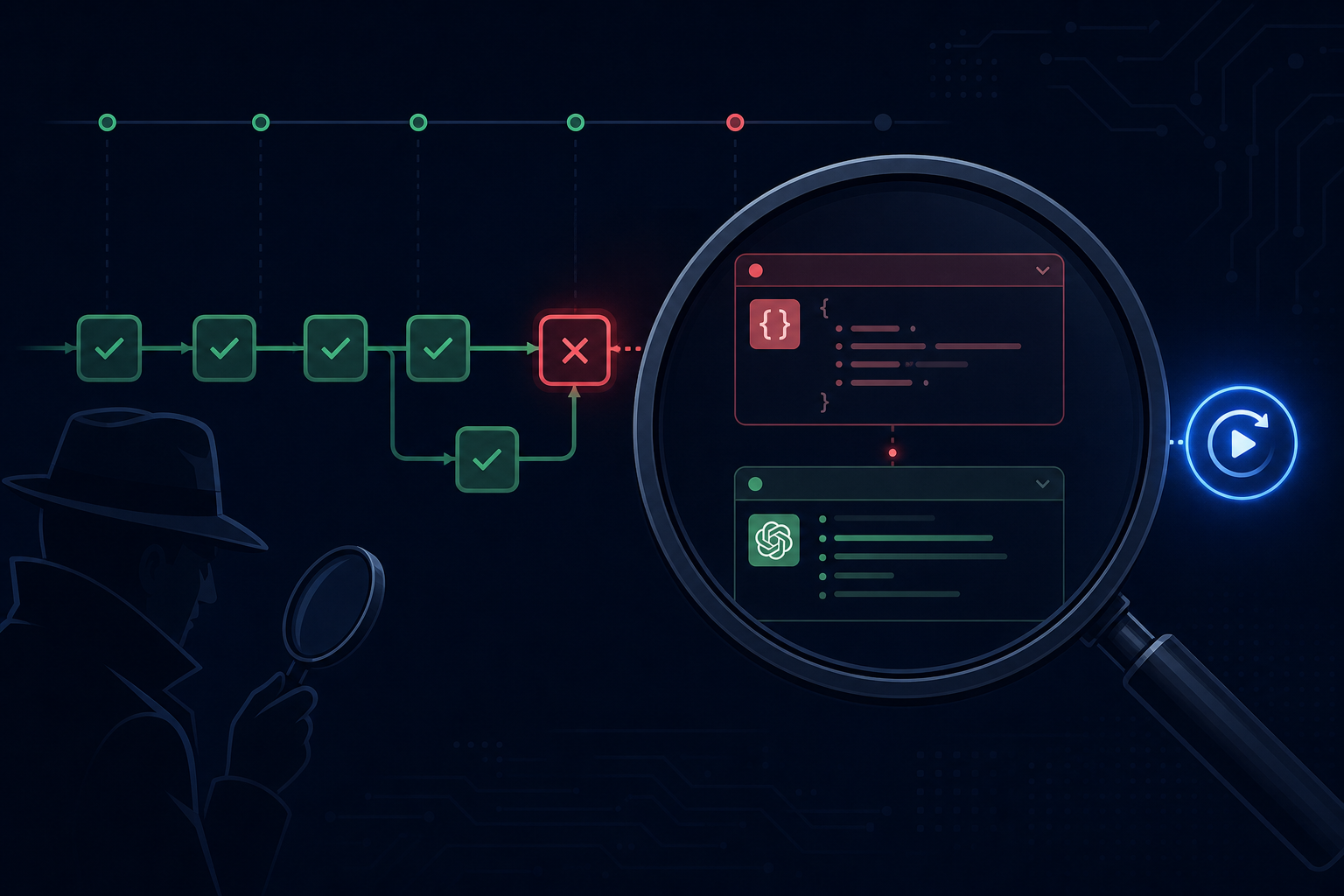
Workflow Debugging: How to Find What Broke
A production AI workflow fails. The run status shows "error." You open the logs. There are 4,000 lines. You do not know which step failed, what the input was at that step, what the LLM returned, or why the error was unrecoverable.
This is the debugging experience most teams accept by default. It is not a consequence of AI being unpredictable — it is a consequence of insufficient observability infrastructure. The debugging experience for AI workflows can be made as systematic as debugging any other distributed system.
The debugging hierarchy
Effective workflow debugging moves from coarse to fine:
Run level: did the run complete, fail, or time out? What was the total duration? Which step was active when it failed? This is the first question and should be answerable in under 10 seconds from a run dashboard.
Step level: for the failing step, what were the exact inputs? What did the LLM receive (including the full rendered prompt)? What did the LLM return? What was the validation result? This is the second question and should be answerable without reading raw logs.
LLM call level: what was the token count? What was the latency? Was there a retry? What did the retry receive and return? This is the deepest level, useful for debugging quality issues and performance problems.
Each level should be queryable independently. A debugging workflow that requires scanning raw logs from the top to find the answer is a missing observability layer, not a fundamental limitation.
The replay requirement
The most powerful debugging capability for AI workflows is step replay: given a historical run, re-execute a specific step with the same inputs (or modified inputs) and observe the output.
This is only possible if every step's inputs are durably persisted as part of run state. If step inputs are reconstructed at runtime from context, replay requires re-running the entire workflow up to that step — which may have side effects and is slow.
With persisted step inputs, debugging becomes: identify the failing step, load its inputs, replay the step locally or in staging, iterate on the fix, verify the fix produces the expected output.
Structured error classification
Raw exception stack traces are rarely the right first signal for AI workflow failures. More useful is a structured classification of why the run failed:
- LLM error: the LLM API returned an error or malformed response
- Validation error: the LLM returned a response that failed schema validation
- Tool error: a tool call to an external service failed
- Timeout: the step or run exceeded its deadline
- Logic error: the step logic raised an exception
- Human task timeout: a human review task was not completed within the deadline
Each class has a different root cause and a different remediation path. Presenting raw stack traces treats all failures the same and makes classification manual.
Correlation across runs
Some bugs are not visible in a single run — they show up as a pattern across many runs. A prompt change that degrades quality by 5% is invisible in one run and obvious in a dashboard that shows quality score over time.
Workflow debugging infrastructure should support:
- Filtering runs by outcome (failed, succeeded, human-escalated)
- Filtering runs by step failure
- Comparing the distribution of step durations before and after a deployment
- Sampling failed runs to examine the input distribution
This is the difference between debugging an incident and understanding a trend.
The "unknown unknown" problem
The hardest AI workflow bugs are the ones you do not know to look for: the agent that produces plausible-sounding but incorrect output 2% of the time, the workflow that silently processes the wrong version of a document, the LLM that consistently misclassifies a specific industry vertical.
These require continuous monitoring against labeled ground truth — not just error rate monitoring. An agent that never throws an exception but produces wrong output 5% of the time is succeeding by all operational metrics and failing by the only metric that matters.
AgentRuntime records full step-level inputs, outputs, and LLM call details for every run, enabling step replay and structured error classification without log archaeology. Join the waitlist for early access.